Your New Tab is a Mess. We Fixed It.
Save tabs instantly, organize your links into beautiful boards, and find bookmarks super fast. All inside your new tab. Free forever, private, and works offline.
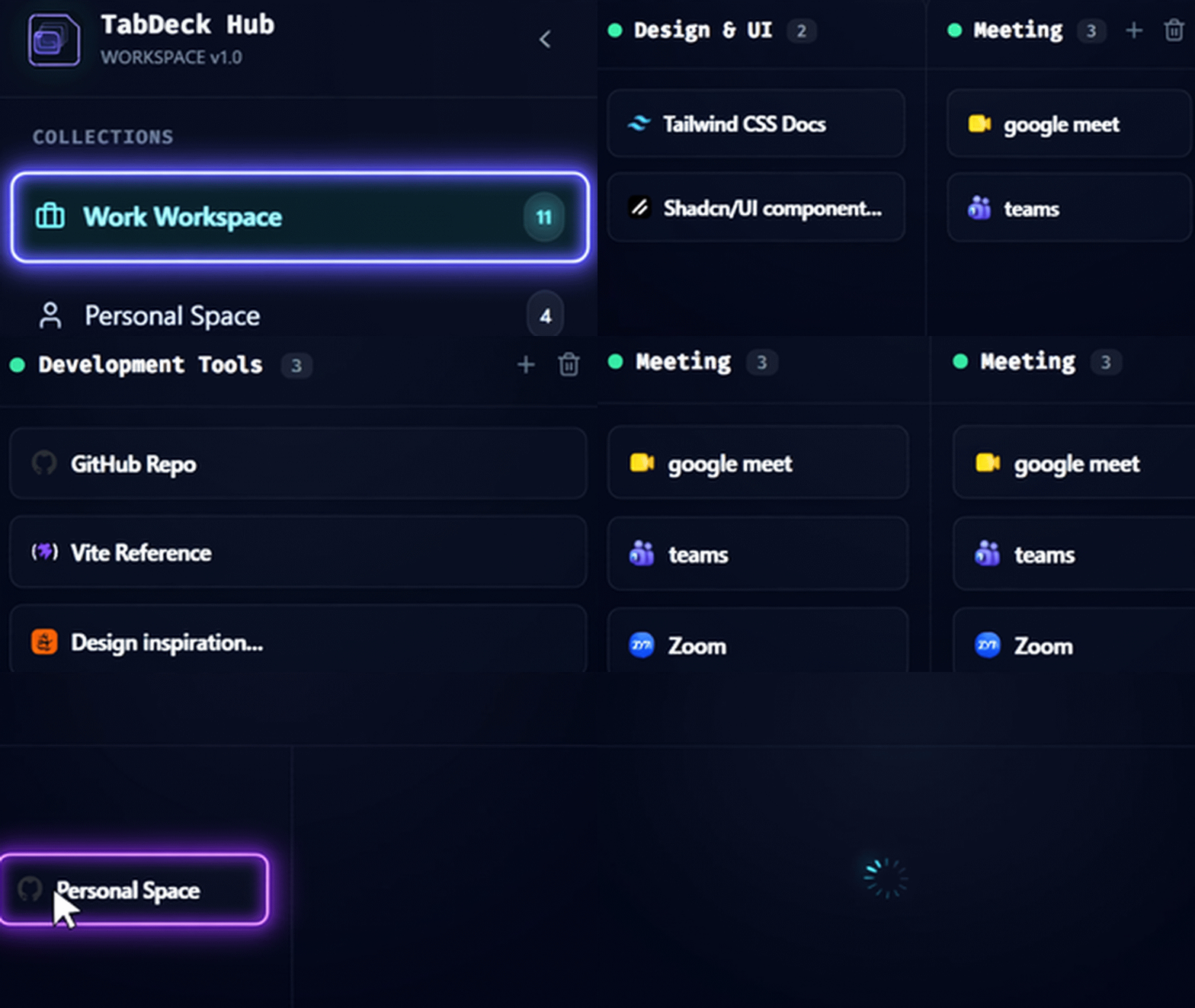
Built for people who live in the browser.
Everything you need, right where you open new tabs
Designed for speed, beautiful simplicity, and zero distractions.
Visual Boards for Your Links
Group your links and project resources into clean boards you can customize.
Save Tabs in One Click
Press Ctrl+Shift+Z to instantly save any tab to your inbox. Never lose a link again.
All Your Bookmarks in One Place
See and organize all your browser bookmarks right inside your new tab.
Quick Search
Search Google, Bing, or DuckDuckGo instantly from the top bar.
Beautiful Themes
Choose from 5 beautiful themes and add your own wallpaper.
Clock & Greeting
A clean clock and friendly greeting every time you open a new tab.
Superpowers Coming Soon
We are building powerful tools for people who live in their browser. Join early and get 50% OFF on Monthly ($4.50/mo), Yearly ($43.20/yr), or Lifetime ($99.50).
Floating Calculator
Calculate without leaving your tab
Smart Notes
Quick notes that save automatically
AI Assistant
Ask AI without switching tabs
Save All Tabs
Save all open tabs into one collection and restore later
Focus Mode & Calm Sounds
Block distractions and play relaxing sounds
Simple, Transparent Pricing
Special launch offer: Get 50% OFF on all Pro plans for early members!
Monthly Pro
Flexible monthly subscription for power users
- 50% OFF starting offer ($4.50 1st month, then $9/mo)
- Floating Calculator, Smart Notes & AI Assistant
- Session Saver & Save All Tabs
- Focus Mode & Calm Background Sounds
- 100% Offline & Private (Zero tracking)
- Cancel anytime
Yearly Pro
Best annual value with double discount applied
- 50% OFF 1st year starting offer (Regular $86.40/yr)
- Includes 20% discount for paying yearly (Base $108/yr)
- Floating Calculator, Smart Notes & AI Assistant
- Session Saver & Save All Tabs
- Focus Mode & Calm Background Sounds
- Priority Support & Beta Updates
Lifetime Pro
Pay once, keep forever — lifetime access
- 50% OFF launch discount (Regularly $199 lifetime)
- One-time payment — zero recurring fees
- All current & future Pro features included
- Unlimited devices & browser profiles
- 100% Money-Back Guarantee
Pro is launching soon. Get 50% OFF.
Join 500+ people waiting for Pro. Early members lock in 50% OFF: Lifetime at $99.50 (was $199), Monthly at $4.50/mo, or Yearly at $43.20/yr.
🔒 No spam. Only one email when Pro launches.
Frequently Asked Questions
Everything you need to know about TabDeck.